
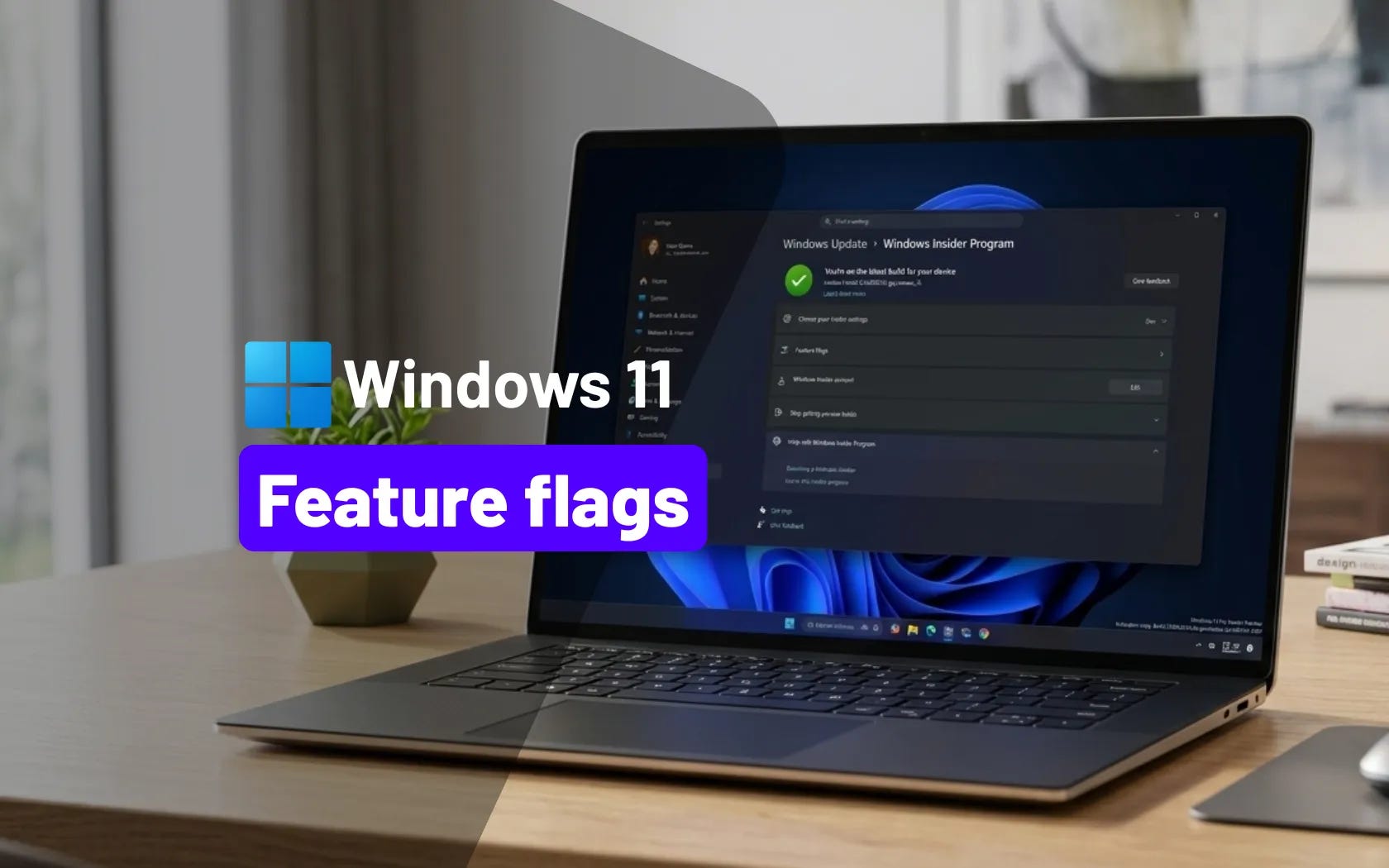
🚨 Windows 11's Feature Flags let Insiders enable features skipping the ViveTool
This is what’s new and what you can do this week on Windows 11:

Catch up on this week’s top 🔗Windows 11 guides and updates.
Before diving into the newsletter, I just wanted to let you know that I built a new page on Pureinfotech to help you track Insider builds and monthly updates. Check it out at the Windows Build Tracker.
🔗 → Microsoft’s Copilot app is really just Edge in disguise on Windows 11: You can rename these components, and it’ll launch Edge rather than Copilot.
🔗 → Enable Ultimate Performance power mode on Windows 11: This hidden power plan is designed to deliver peak performance by disabling power-saving features.
🔗 → Set Google as your default search engine on Microsoft Edge: If Bing is not your favorite search engine and you use Edge, use these steps to set Google as your default search engine, start page, and home button.
🔗 → Windows 11 to add native Feature Flags – eliminating the need for ViveTool in Insider builds
🔗 → Builds 29560 and 28020.1803 for Windows 11 arrive in the Canary Channel: Microsoft pushes new builds for Windows 11 27H2 and 26H1 with subtle upgrades and important bug fixes.
🔗 → Build 26300.8155 (KB5083822) for Windows 11 26H2 adds haptic feedback effects: This preview build is available in the Dev Channel.
🔗 → Windows 11 adds Secure Boot certificate alerts ahead of 2026 security deadline: Microsoft adds clear security alerts for Secure Boot on Windows 11 Home and Pro.
Help keep Pureinfotech free & independent.
Support: No paywalls. Honest Windows guides. Free for all.