
Windows 11 Tips and News
This is what’s new and what you can do this week on Windows 11:

Catch up on this week’s top 🔗Windows 11 guides and updates.
🪟 Windows 11 updates
🔗 → Microsoft fixes reset and recovery bugs on Windows 11 (and 10): The company has released the updates KB5066189 and KB5066188 to address critical bugs in its desktop operating systems.
🔗 → Windows 11 build 27928 rolls out in the Canary Channel: This preview brings new features to the Settings app.
Check my latest video tutorials, including four ways to reset the Microsoft Defender Firewall.
And I have also uploaded a tutorial with two methods to create USB bootable media for unsupported PCs.
🧠 Windows 11 tips
🔗 → Microsoft Excel gets COPILOT function: The function allows you to use natural language to analyze or generate data directly in a spreadsheet.
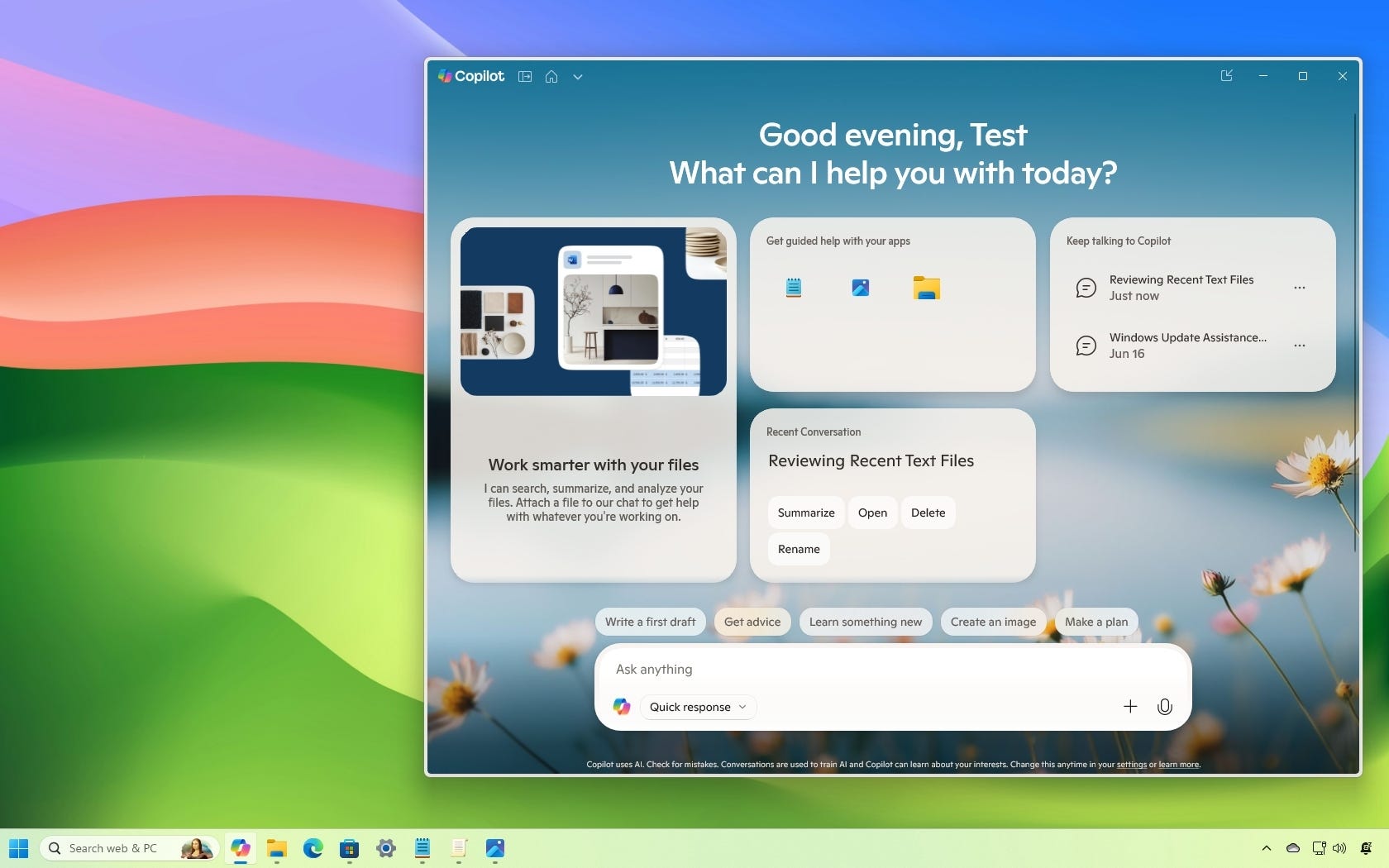
🔗 → Copilot app can find files and images on Windows 11: If you use the chatbot, you can enable this feature from the settings page.
🔗 → Disable Windows 11 app updates: The Microsoft Store has changed the way you control updates for apps.
🔗 → Use Robocopy's multi-threaded copy to speed up file transfers on Windows 10: Speed up file transfers on Windows 10 with the multi-threaded copy feature.
🔗 → Reset Ethernet adapter on Windows 11: Do you use a wired connection to access the Internet? If so, when there's no internet access or other problems, you can use this option to fix most issues.
🔗 → Disable automatic driver install on Windows 10: Prevent the OS from automatically installing drivers with Settings, Group Policy, Registry, or the Show or Hide Updates tool.
🔗 → Reset settings to defaults on Microsoft Edge: If you want to reset the settings of your web browser completely, you have to use this method.
🔗 → Install Ollama to run local AI models on Windows 11: These instructions include steps to complete this process with commands or a graphical interface.
💡 Did you know?
Use the “Windows key + Z” keyboard shortcut on any window to instantly see Snap layout options and organize apps on your screen without dragging them around.
🙏 I need your help
AI search and ad blockers are hurting small publishers like me. This site has no paywalls, but creating quality content takes time and resources. If you find value here, please consider supporting the work.