
Windows 11 September New Features and Fixes
This is what’s new and what you can do this week on Windows 11 (and 10):

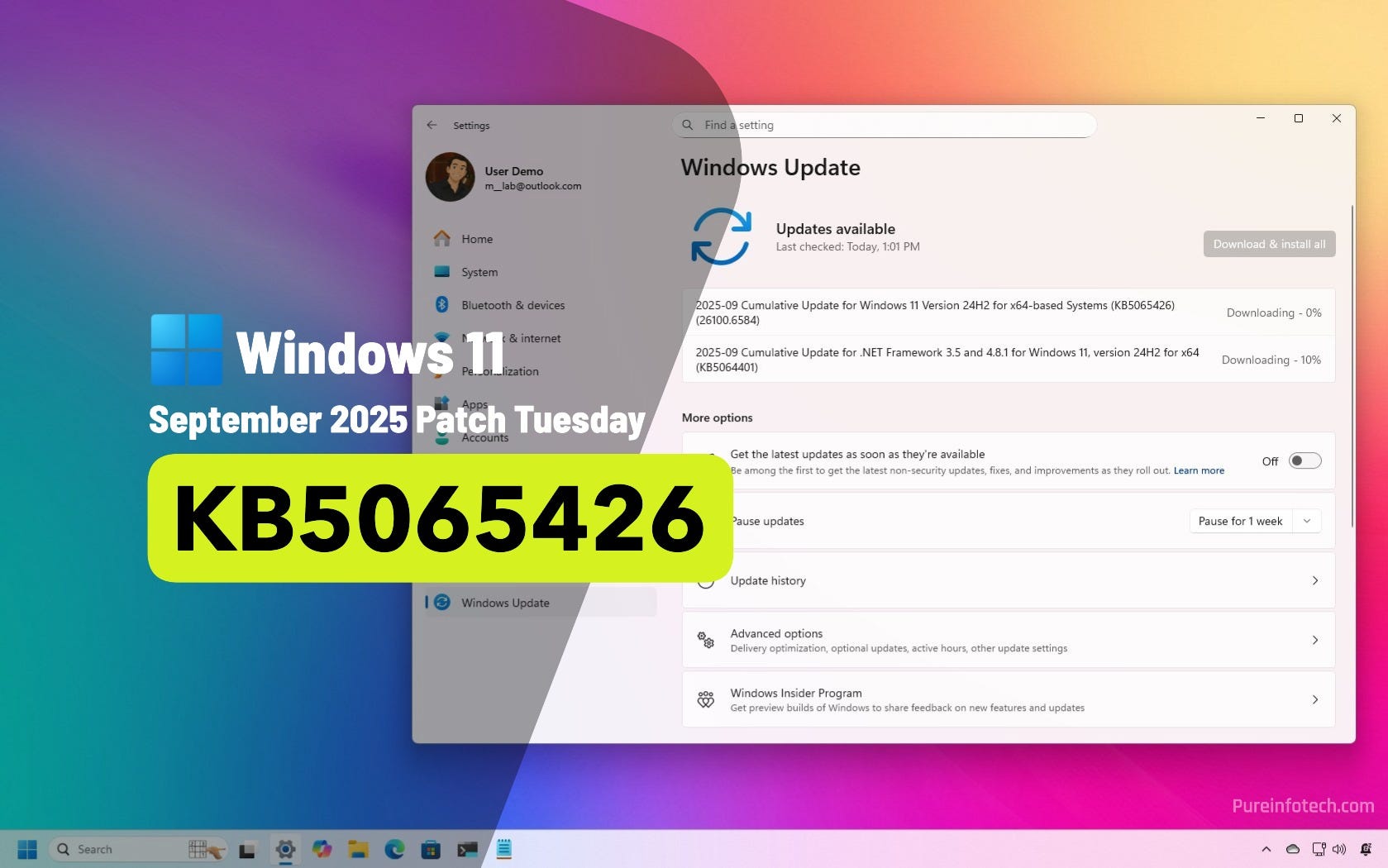
Catch up on this week’s top 🔗Windows 11 guides and updates.
🪟 Windows 11 news
🔗 → Fixing SSD failure on Windows 11: Update SSD firmware and motherboard UEFI (BIOS).
In case you missed it, this week Microsoft began the rollout of the September 2025 Security update for Windows 11 and 10, and here’s what you need to know:
🔗 → Windows 11 build 26100.6584 (KB5065426) for version 24H2 new changes.
🔗 → Windows 10 build 19045.6332 (KB5065429) for version 22H2 new changes.
🔗 → Enable new features for Windows 11 September 2025 Update.
Recently, Microsoft released the Windows 11 build 27938 in the Canary Channel, and you can check out all the new features in this video.
🧠 Windows 11 tips
🔗 → Official Windows 11 25H2 ISO file: You can now download the official preview for the next version of the OS.
🔗 → Use Windows 11’s built-in policy to remove bloatware: Microsoft finally lets you debloat Windows 11 with a native option available through the Group Policy Editor.
🔗 → Show time in Notification Center on Windows 11: Microsoft brings back the ability to show the time with seconds in the Notification Center for Windows 11.
🔗 → Download the Windows 10 LTSC ISO file in 2025.
💡 Did you know?
Quickly launch apps with the “Windows Key + number keys” keyboard shortcut. The numbers correspond to the apps pinned on your Taskbar from left to right.
🙏 I need your help
AI search and ad blockers are hurting small publishers like me. This site has no paywalls, but creating quality content takes time and resources. If you find value here, please consider supporting the work.