
Windows 11 September 2025 Update Preview
This is what’s new and what you can do this week on Windows 11:

Catch up on this week’s top 🔗Windows 11 guides and updates.
🧠 Windows 11 tips
🔗 → Create Windows 11 bootable USB for unsupported hardware: Using Rufus or Ventoy to bypass TPM, Secure Boot, and other requirements.
🔗 → Bypass internet connection to install Windows 11: workaround to install Windows 11 without an internet connection and using a local account.
🔗 → Create bootable Windows 11 USB install media for supported PCs: You can complete this task using Media Creation Tool, Rufus, Ventoy, or Command Prompt.
🔗 → Enable Secure Boot to play Battlefield 6 on Windows 11 (or 10): Fix the "SecureBoot is not enabled" error message when trying to play Battlefield 6.
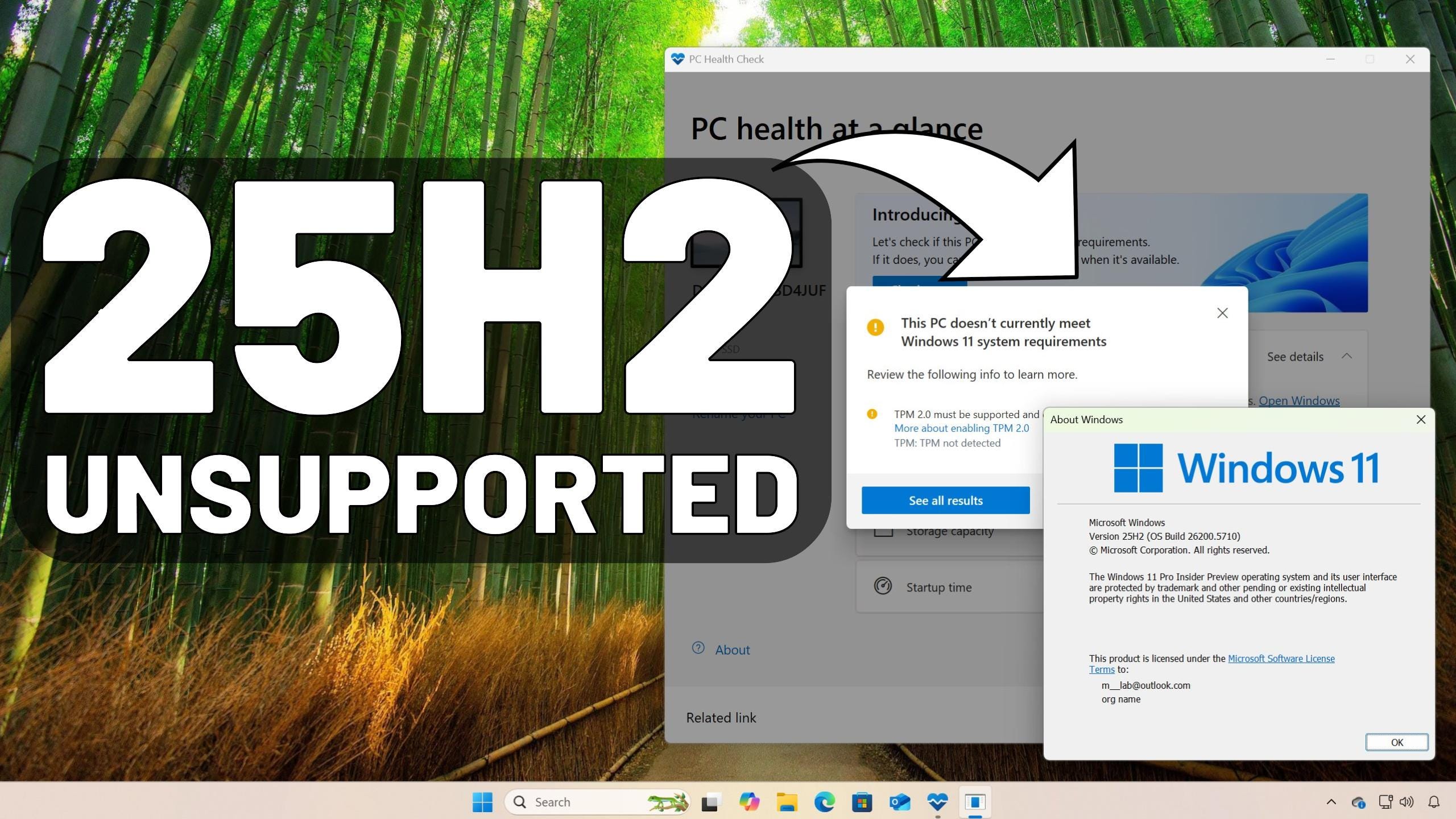
I have also created a video tutorial on how to install Windows 11 25H2 on unsupported hardware.
🪟 Windows 11 updates
🔗 → Windows 11 builds 26100.5061 (KB5064081) drops as the September 2025 Update: This update is like a mini feature update with a lot of goodies.
🔗 → Windows 11 23H2 to reach end of support on November 11, 2025: Here’s what you need to know.
🔗 → Microsoft Edge support will end in October 2028 for Windows 10: The support goes beyond the operating system's end of life.
🔗 → Windows 11 build 26100.4946 (KB5063878) rolling out now: The August update brings a lot of changes.
🔗 → Windows 10 build 19045.6216 (KB5063709) rolling out now: The August update only brings fixes.
💡 Did you know?
You can quickly run this command from the “Run” (Win+R) dialog to shut down the computer and restart in UEFI firmware:
shutdown /r /fw /t 0
🙏 I need your help
AI search and ad blockers are hurting small publishers like me. This site has no paywalls, but creating quality content takes time and resources. If you find value here, please consider supporting the work.
it can be either dmack-thejudge@substack.com or dmackthejudge987@outlook.com
Pureinfotech