
Windows 11 gets new Store CLI and Copilot replaces Windows Search
This is what’s new and what you can do this week on Windows 11:

Catch up on this week’s top 🔗Windows 11 guides and updates.
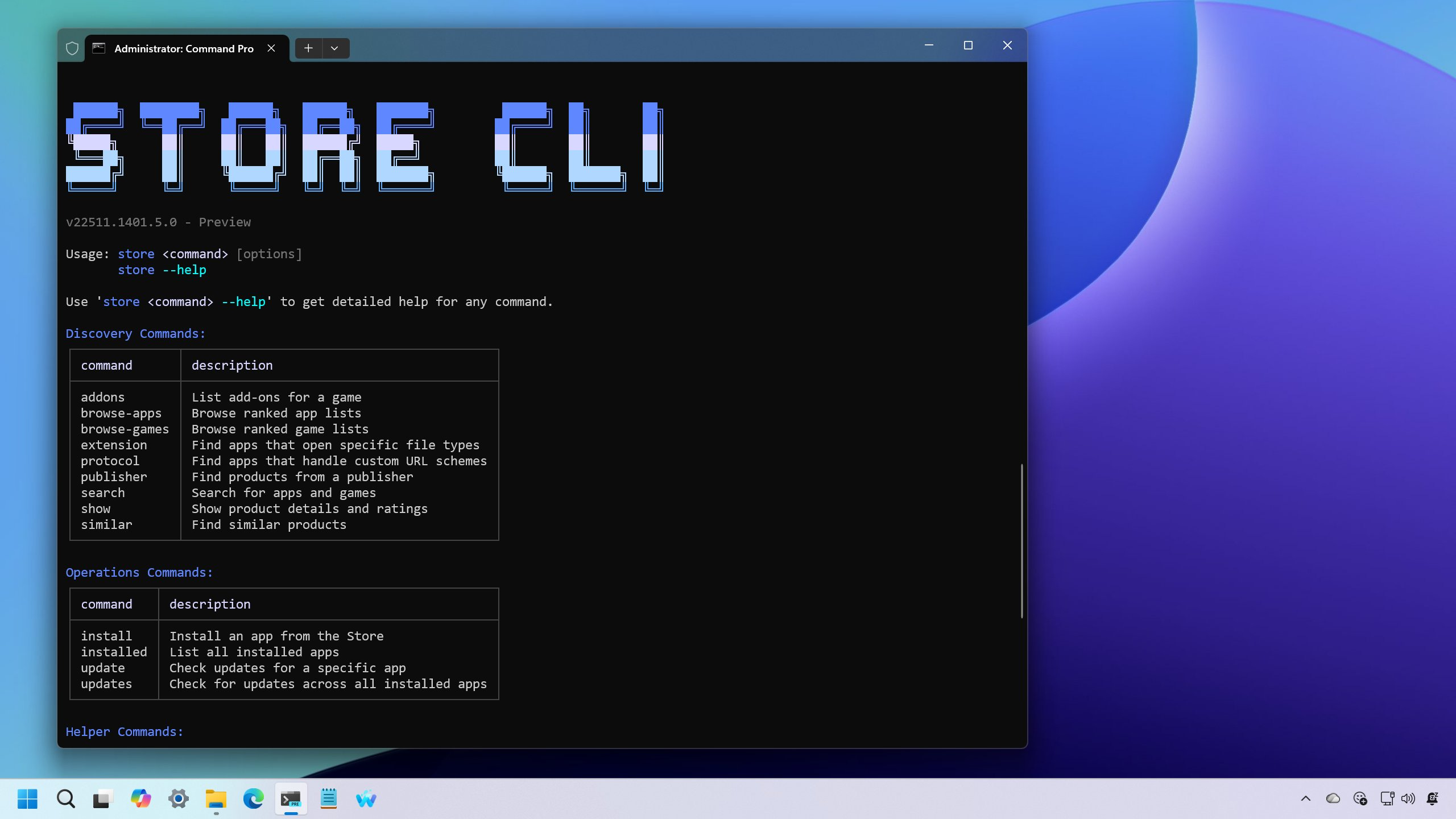
🔗 → Windows 11 has a new Store CLI (store) command-line version of the Microsoft Store: You can now install and update apps from the Microsoft Store with Command Prompt or PowerShell.
🔗 → Enable new Run dialog design on Windows 11: You can now try the new Run dialog on Windows 11 – here’s how to enable it now using the ViveTool.
🔗 → Windows 11 build 26220.7523 (KB5072043): This update replaces Windows Search with Ask Copilot and introduces AI agents in the Taskbar and Agent Launcher.
Thanks for reading! 🥂 And for those of you who celebrate, Merry Christmas and Happy Holidays!
🙏 I need your help
AI search and ad blockers are hurting small publishers like me. This site has no paywalls, but creating quality content takes time and resources. If you find value here, please consider supporting the work.