
Windows 11 Early Access to Features
This is what’s new and what you can do this week on Windows 11 and 10:

Catch up on this week’s top 🔗Windows 11 updates, tutorials, and builds.
🧠 Windows 11 tips
🔗 → Enable new features coming to Windows 11 August 2025 Update: Get early access to the new features for Windows 11 24H2 with a single command.
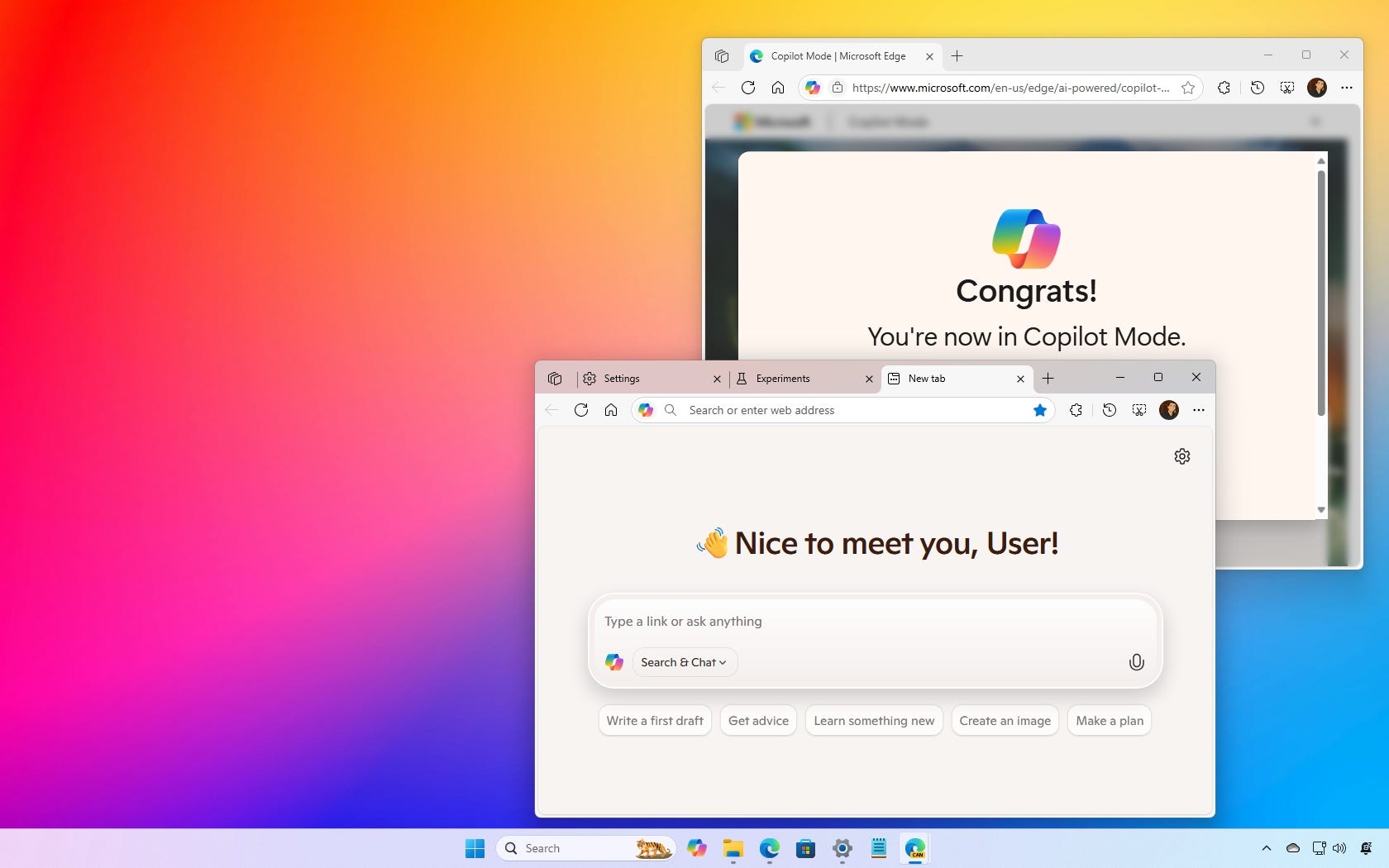
🔗 → Enable or disable Copilot Mode for Microsoft Edge: The browser will get more AI integration, and you can try it out now, or learn the steps to disable it in the future.
🔗 → Enable Remote Desktop using Command Prompt on Windows 10: You can enable or disable Remote Desktop and configure the firewall ports on Windows 10 with commands, and here's how.
🔗 → Disable Copilot in Outlook app (or web) for Windows 11: If you don't like the Copilot AI assistant in Outlook, here are the steps to disable it.
📦VirtualBox tips
If you are new to VirtualBox, here are a couple of tips you should know:
🔗 → Install Guest Additions for Windows 11 (or 10) on VirtualBox: You should install this on a VM running for a faster and improved experience.
🔗 → Create a shared folder for a virtual machine on VirtualBox: VirtualBox lets you set up a folder to share files with the virtual machine, and here's how on Windows 10 or 11.
⤵️ Windows 11 Insider Preview Builds
🔗 → Windows 11 build 27913 (Canary) is now available in the Canary Channel: Here’s what’s new.
In case you missed it, these are the changes that Microsoft rolled out this week in the Dev Channel of the Windows Insider Program.
💡 Did you know?
Windows 11 and 10 include the Clipboard History that lists all your recent cuts and copies. You can access it with the “Windows key + V“ keyboard shortcut.
🙏 I need your help
AI search and ad blockers are hurting small publishers like me. This site has no paywalls, but creating quality content takes time and resources. If you find value here, please consider supporting the work.