
Windows 11 25H2 New Shared Audio feature #13
More Windows 11 25H2 features and tips to get the most out of the operating system.

Catch up on this week’s top Windows 11 updates, tutorials, and builds.
⤵️ Windows 11 news
🔗 → Windows 11 will let you transfer files and settings to your new PC over the network: Microsoft is gearing up a feature to allow users still using Windows 10 and Windows 11 24H2 and higher to transfer their data to a new PC through the initial setup.
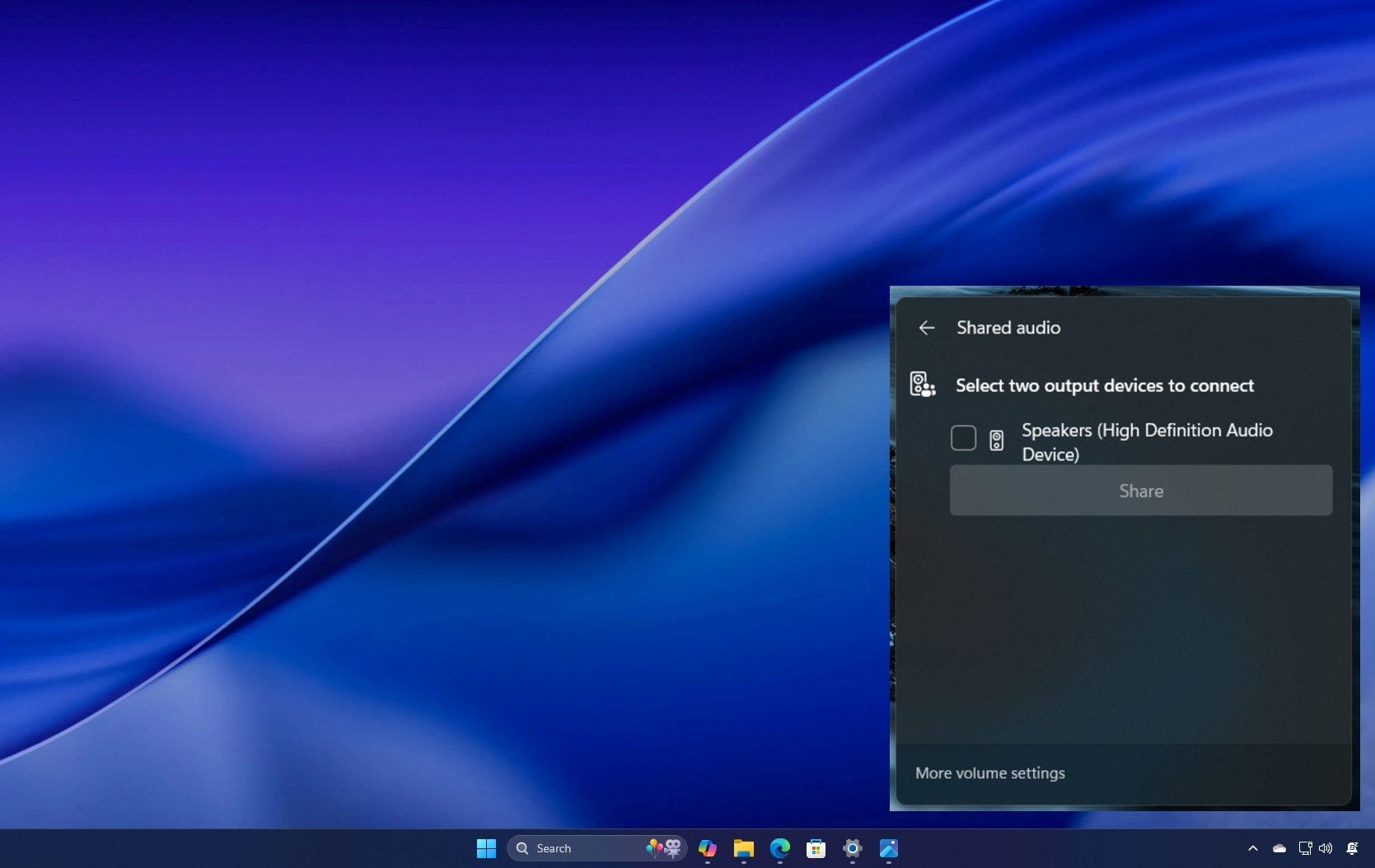
🔗 → Windows 11 25H2 to include a new Shared audio feature: This feature will allow you to share the PC audio to multiple outputs at the same time.
🔗 → Windows 11 build 26200.5710 (Dev Channel): The latest preview expands AI image descriptions, adds new Lock Screen widgets discovery, and more.
🔗 → Windows 11 build 26120.4741 (Beta Channel): Microsoft pushes AI features to Intel and AMD Copilot+ PCs, adds new Lock Screen feature, and more.
🧠 Windows 11 tips
🔗 → Windows 11 clean install process in six ways: Here are all the supported methods to perform a fresh installation of the operating system.
🔗 → Do you need to enable Hyper-V on Windows 11? This set of instructions will guide you through configuring the virtualization feature on Windows 11 Pro and Home.
💡 Did you know?
You can type commands or folder paths directly into the File Explorer address bar to instantly jump to locations or launch tools:
Type .. ➡️ Goes up one folder level
Type cmd ➡️ Opens Command Prompt in that folder
Type notepad or calc ➡️ Launches apps directly
It’s a fast way to navigate your system or launch tools without using the Start menu or Run dialog.
🙏 I need your help
AI search and ad blockers are hurting small publishers like me. This site has no paywalls, but creating quality content takes time and resources. If you find value here, please consider supporting the work.