
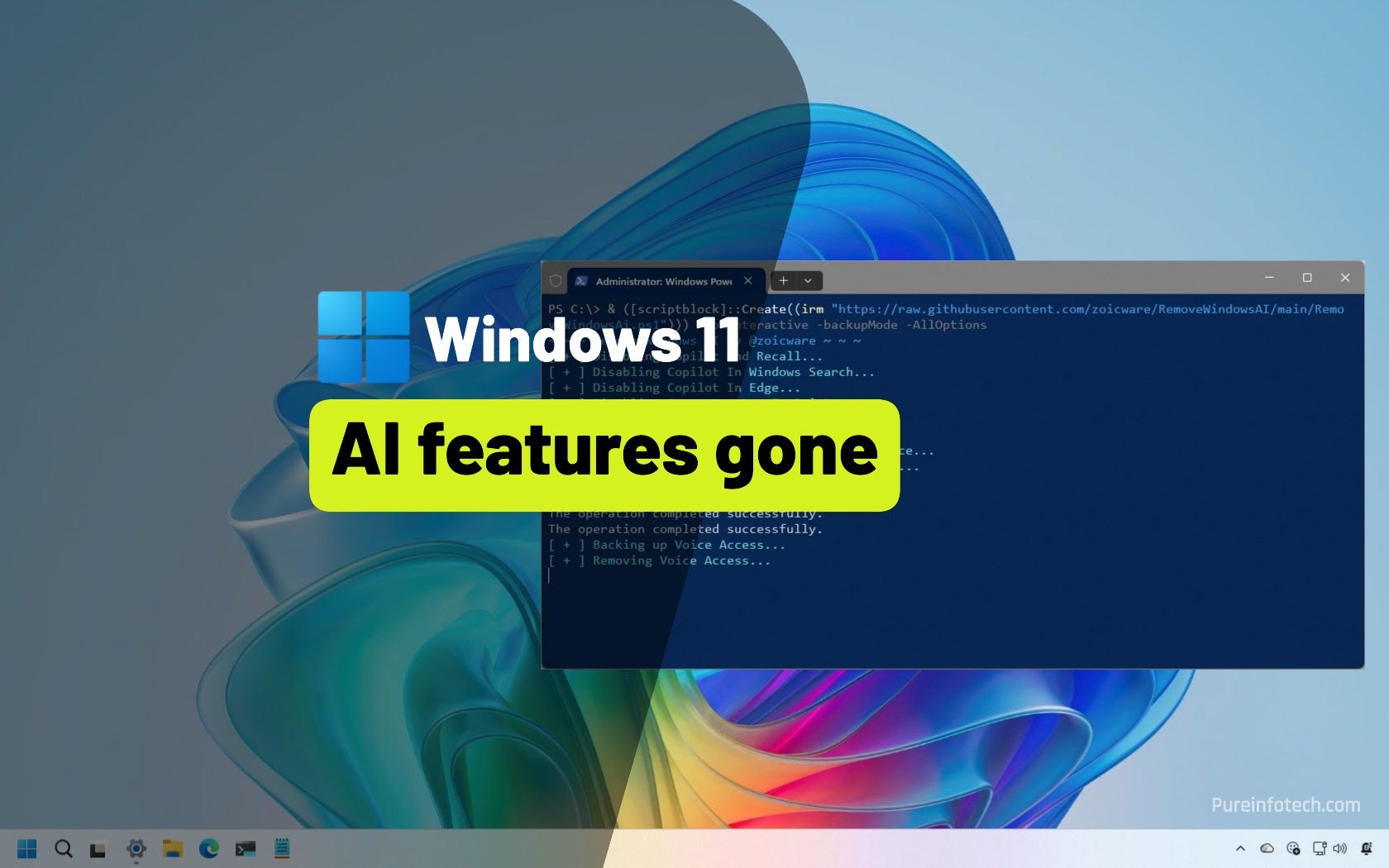
This script wipes out Windows 11's unwanted AI features with one command
This is what’s new and what you can do this week on Windows 11 (and 10):

Catch up on this week’s top 🔗Windows 11 guides and updates.
🔗 → Windows 11 is getting major gaming upgrades in 2026: Microsoft prepares major changes to boost gaming performance, targeting scheduling, background tasks, graphics, and drivers.
🔗 → Windows 11 build 28000.1340 (KB5072032) rolls out in the Canary Channel: This preview enables various features and introduces some small changes.
🔗 → ICYMI: Windows 11 builds 26100.7462 and 26200.7462 (KB5072033) arrive in the Stable Channel as the final cumulative update of 2025 for versions 25H2 and 24H2.
🔗 → Windows 10 22H2 is getting build 19045.6691 (KB5071546) as the second update through the Extended Security Updates (ESU) program.
🔗 → Completely remove all AI features on Windows 11: If you don’t like AI, the Remove Windows AI script removes and disables nearly all AI features in the operating system.
🔗 → Auto-sign in and boot directly to Xbox Full Screen Experience: This guide will help you start your Windows 11 gaming PC directly in the Xbox Full Screen Experience with an automatic sign-in setup.
🔗 → Clean install Windows 10 LTSC in 2025: The OS may be retired, but the LTSC version continues to be supported, and in this guide, I’ll show you how to do a fresh installation.
🙏 I need your help
AI search and ad blockers are hurting small publishers like me. This site has no paywalls, but creating quality content takes time and resources. If you find value here, please consider supporting the work.