
Reduce RAM usage on Windows 11 with one-click
This is what’s new and what you can do this week on Windows 11:

Catch up on this week’s top 🔗Windows 11 guides and updates.
🔗 → Create local administrator account on Windows 11: These instructions cover creating a local administrator account using Settings, Computer Management, Command Prompt, and PowerShell.
ICYMI ⤵️
🔗→ Enable Administrator account on Windows 11: The default and hidden account.
🔗 → Close not responding app on Windows 11: Six ways to complete this task.
🔗 → Enable Taskbar End Task option on Windows 11: Force quit an app from the Taskbar context menu without opening the Task Manager.
🔗 → Quickly create a macOS bootable USB on Windows 11: Create a macOS bootable USB on Windows when your Mac will not start.
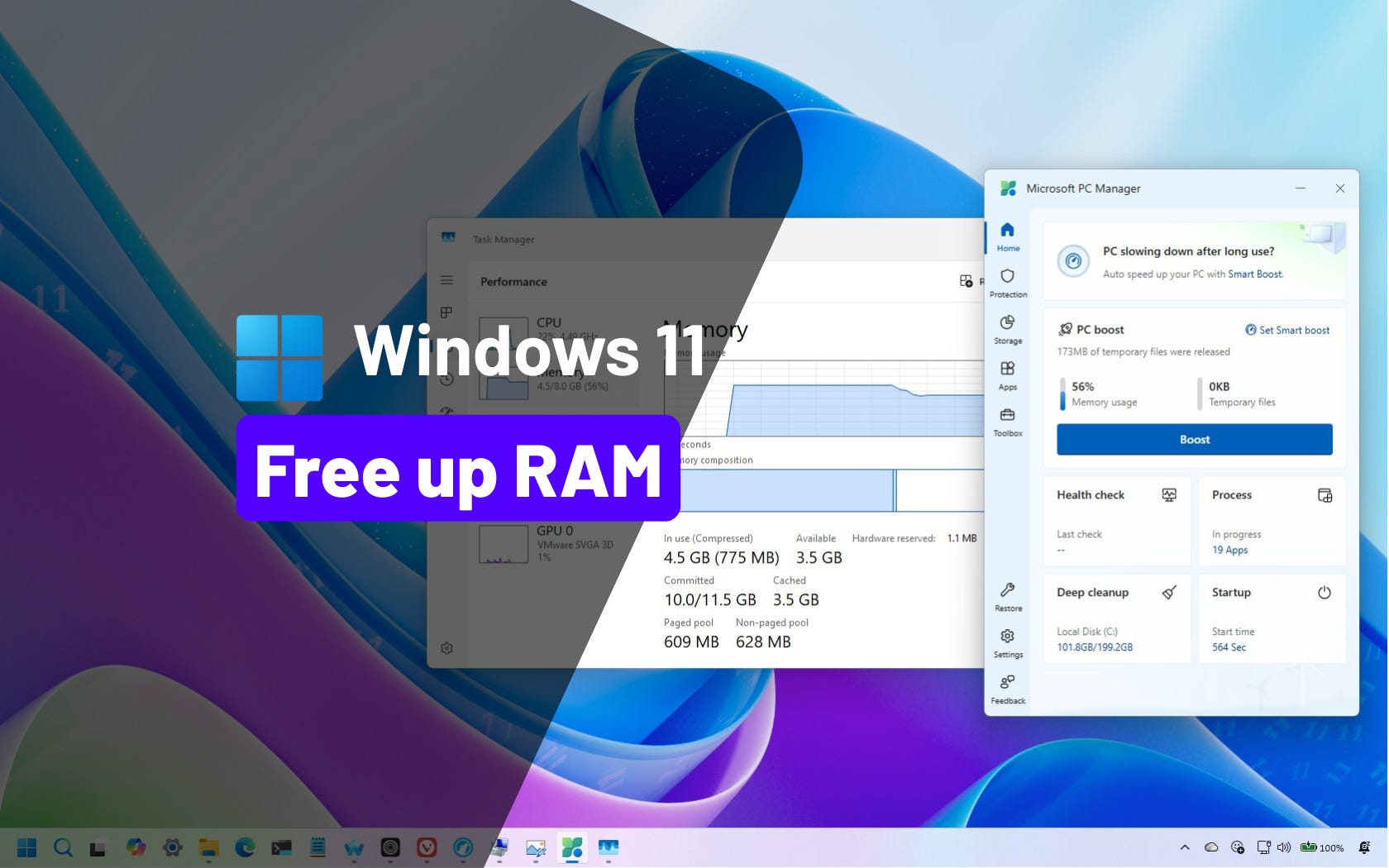
🔗 → Reduce RAM usage with PC Manager’s one-click feature on Windows 11: Free up RAM instantly on the operating system using Microsoft’s PC Manager, no system tweaks required.
Thanks for reading! 🥂 And Happy New Year1
🙏 I need your help
AI search and ad blockers are hurting small publishers like me. This site has no paywalls, but creating quality content takes time and resources. If you find value here, please consider supporting the work.
Hi Mauro!
I customized my Chrome version:143.0.7499.193 (Official Build) (64-bit) with your enterprise policies to get rid of AI in Chrome, but got non-responsive browser unable to open settings, and ended up reinstalling the non-responsive Chrome with the newest version 143, so please clarify what suggested enterprise setting may have blocked the browser, and else what may have gone wrong for the future optimizations? Thanks in advance for your time and consideration!