
Microsoft is turning Edge into a Copilot app
This is what’s new and what you can do this week on Windows 11:

Catch up on this week’s top 🔗Windows 11 guides and updates.
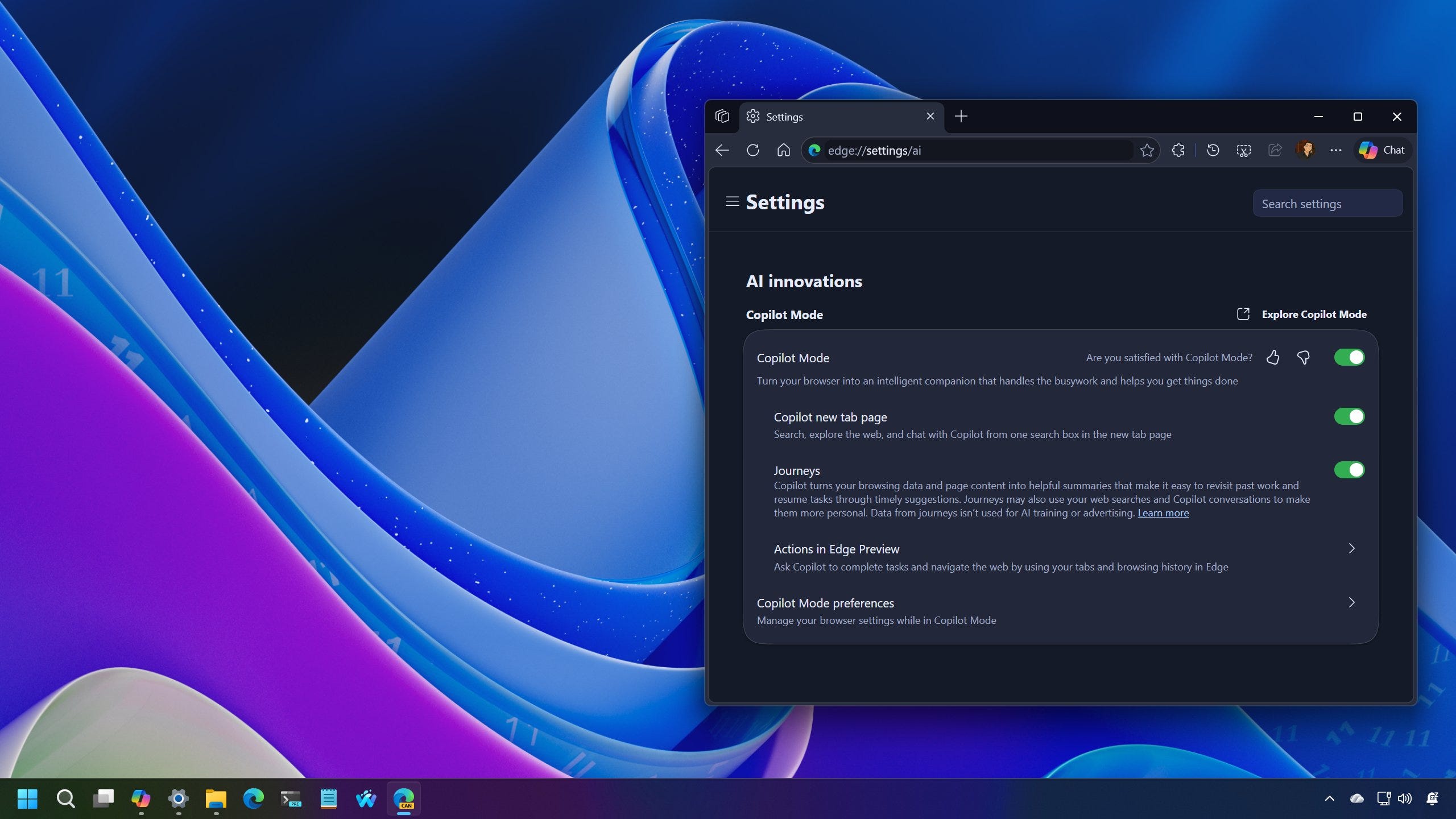
🔗 → Microsoft Edge receives a major Copilot-inspired UI redesign on Windows 11
🔗 → Enable Auto Super Resolution on Windows 11: Copilot+ PCs can boost game frame rates and image quality with AI, and here’s how to enable the feature.
🔗 → Optimize gaming performance on Windows 11: Boost gaming performance by disabling two default security features and enabling Xbox’s new Full Screen Experience, among other tweaks.
🔗 → Set default GPU for apps on Windows 11: Take control of performance and battery life by choosing which graphics card each app uses on Windows 11.
🔗 → Windows 11 installation: Everything you need to know in 2026
🔗 → Create USB bootable media to install Windows 8.1: These instructions will help you create a USB bootable media to install the older version of the OS.
🔗 → Reinstall Windows 11 without losing files: These are the two easiest ways to reinstall the OS on your computer without losing your files (or apps) and fix problems.
🔗 → Upgrade Windows 10 Home to Pro (2026): These are the instructions to upgrade from Windows 10 Home to the Pro edition. Yes, you still can.
🙏 I need your help
AI search and ad blockers are hurting small publishers like me. This site has no paywalls, but creating quality content takes time and resources. If you find value here, please consider supporting the work.