
🔥Microsoft backtracks on "infuriating" Copilot button + new Experimental features and tips
This is what’s new and what you can do this week on Windows 11:

Catch up on this week’s top 🔗Windows 11 guides and updates.
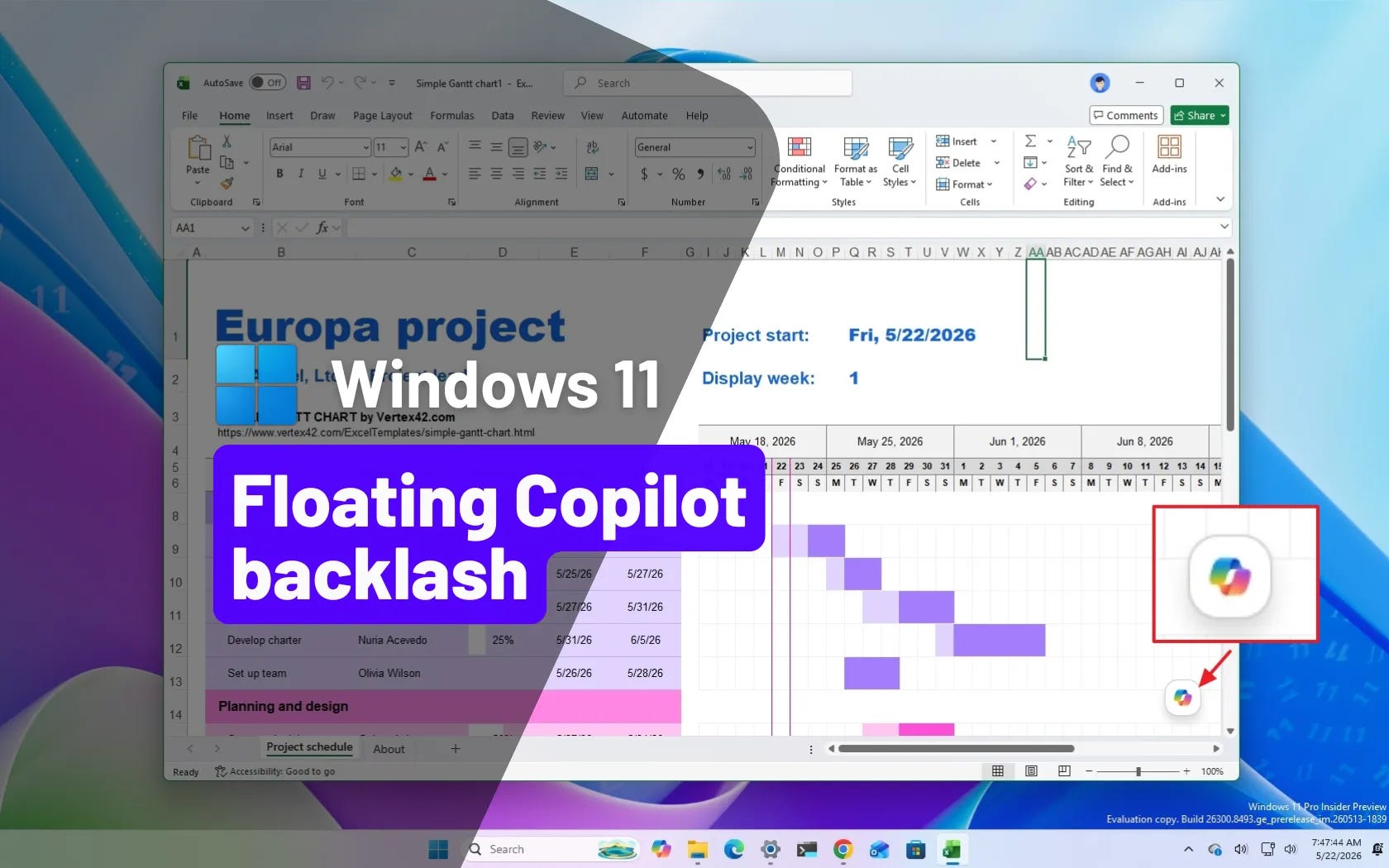
🔗 → Microsoft backtracks on “infuriating” floating Copilot button in Excel and Word: After backlash over floating Copilot buttons blocking workflows in Excel and Word, Microsoft is finally giving users more control.
🔗 → Builds 29595 and 28020.2149 for Windows 11 26H1 and Feature Platforms with new features: Microsoft rolls out new Experimental builds for Windows 11 with storage tweaks, Explorer fixes, and font rendering improvements.
🔗 → Build 26300.8497 for Windows 11 26H2 adds new Screen Tint and Voice Isolation features: Windows 11 introduces major accessibility upgrades, Voice Isolation, and a new modern printing experience.
🔗 → Windows 11 gets Screen Tint, a new accessibility feature for eye comfort: Microsoft is testing Screen Tint, a flexible new accessibility layer designed to reduce eye strain with customizable color overlays.
🔗 → Change user folder name on Windows 11: Yes, it’s possible to change the user profile folder name, and here’s how on Windows 11.
🔗 → Create bootable Windows 11 USB with Command Prompt: Skip Rufus and create a Windows 11 bootable USB drive manually with Command Prompt and DiskPart.
Help keep Pureinfotech free & independent.
Support: No paywalls. Honest Windows guides. Free for all.