
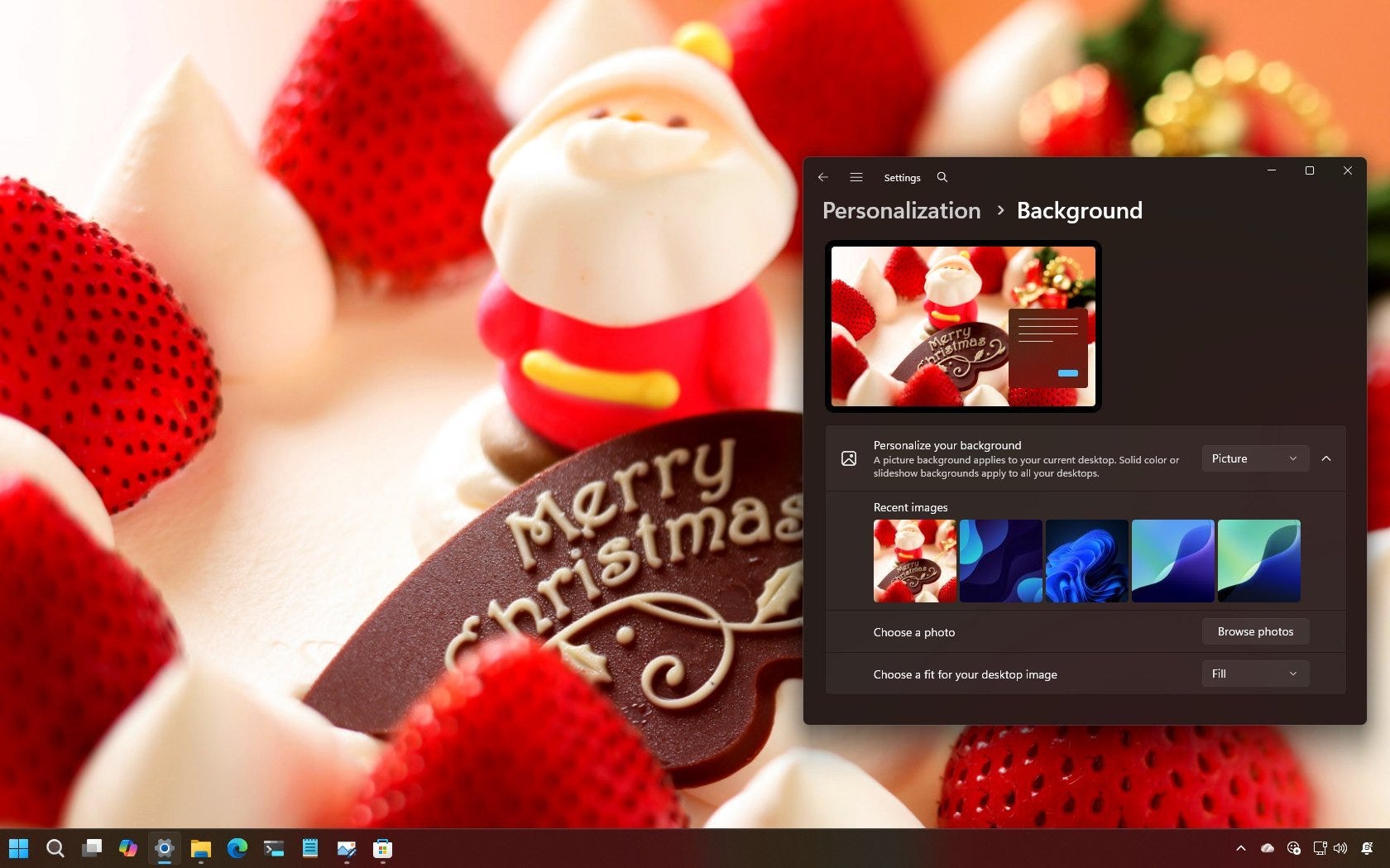
Christmas wallpapers and Firefox becomes an AI browser
This is what’s new and what you can do this week on Windows 11:

Catch up on this week’s top 🔗Windows 11 guides and updates.
🔗 → Firefox is becoming an AI browser, and not everyone is happy: Perhaps the last major browser has announced that it’ll become an AI browser in the next three years.
ICYMI: Latest features and change arriving for Windows 11 26H1 ⤵️
🔗 → Download: Christmas wallpaper collection for Windows 11 (2025)
🔗 → Download: Christmas-themed wallpapers for Windows 11
🔗 → Set up a VPN connection on Windows 11: The OS makes it easy to create and manage VPN connections, and in this guide, you will learn how.
🔗 → Customize Copilot keyboard key action: Windows 11 allows you to change the action of the Copilot physical key to launch any app, but the setting is now in a different location.
🔗 → Enable (or disable) Snipping Tool Print Screen key config: Control the Print Screen key on Windows 11 and decide whether it opens Snipping Tool or another screenshot app.
🔗 → Open ChatGPT with Copilot key on Windows 11: Yes, you can assign the ChatGPT app the Copilot key on your keyboard, and here’s how.
🔗 → Left-align Taskbar on Windows 11: You can change the Taskbar alignment for a more traditional experience on Windows 11, and here’s how.
🔗 → Move Taskbar to top or side on Windows 11: The OS no longer lets you move the Taskbar by default, but there are still reliable ways to reposition it using third-party tools.
🙏 I need your help
AI search and ad blockers are hurting small publishers like me. This site has no paywalls, but creating quality content takes time and resources. If you find value here, please consider supporting the work.